
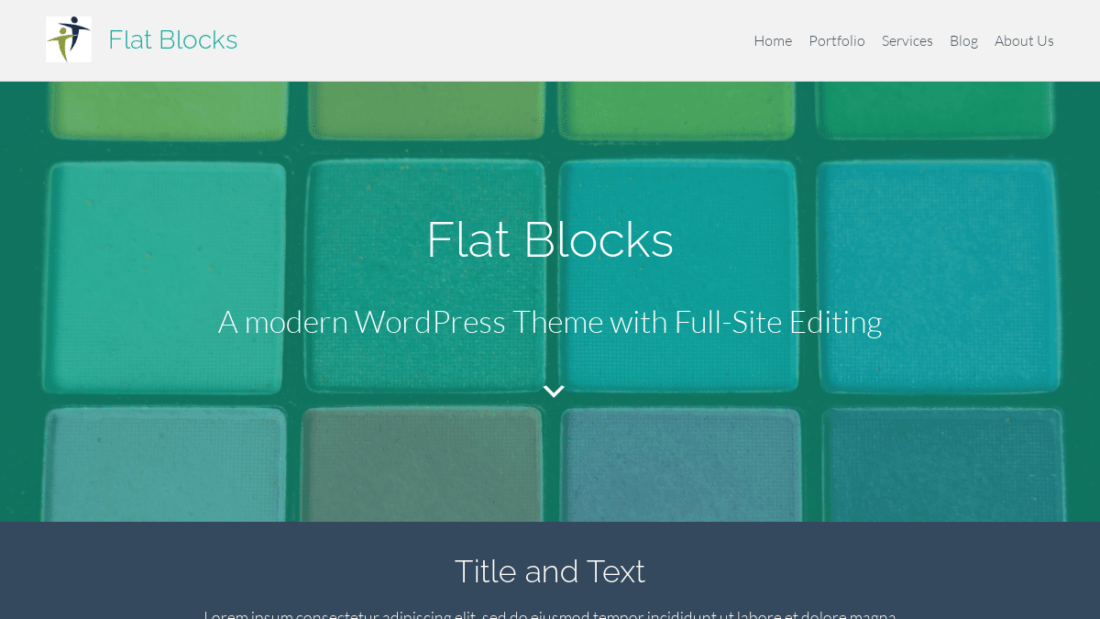
Theme updates in v2.1 and 2.2 were made to support WordPress v6.8 and v6.9, including support for the new blocks: Post Time to Read, Post Comments Link, Accordion Block, and Math Block.
Version 2.2 Highlights
- Added the new WordPress v6.9 Post Time to Read and Post Comments Link Block to the Blog index and to each individual Post.
- Set the new Accordion Block to use the theme’s Primary color for the heading and icons.
- Set the new Math Block to use Medium Text.
- Added a light background around the Blog pagination so it stands out more.
- Separated all the Titles for various pages (e.g. 404 Error Page, Search Page), into their one Title Pattern so it is easy to update title such as to set a background color.
Detailed Updates v2.0.1 through v2.2.3
= 2.2.3 =
February 21, 2026
- Further enhancements to the fix for WordPress v6.9.1 CSS stylesheet loading. Specifically, now default to loading separate block CSS only when a particular block is in use on the page. This was the default historically, but was turned off temporarily while resolving CSS loading issues.
- Fix issue with input field text color when using the two dark mode Theme Style Variations (“Dark – Very Dark Gray” and “Dark – Midnight Blue””). The Offwhite contrast color is now used for input field text.
= 2.2.2 =
February 6, 2026
- Enhancements to the fix for WordPress v6.9.1 Editor. Specifically, ensure theme’s CSS files load only once and don’t interfere with the CSS styles of the Editor User Interface itself.
= 2.2.1 =
February 6, 2026
- Fix for WordPress v6.9.1 not properly loading individual block styles (.css)
= 2.2 =
February 6, 2026
- Fix for WordPress v6.9.1 errors in the Editor about loading individual block styles before the main flat-blocks.css.
- Updated smooth scroll javascript for links to specific user comments to better target the top of that comment.
= 2.1 =
January 5, 2026
- Updates for WordPress v6.9:
- Added the new Post Time to Read and Post Comments Link Blocks to the Blog index only for WordPress v6.9+ (or Gutenberg plugin active). You can remove them by editing the Article Content Template Part. Note: We use Post Comments Link instead of Post Comments Count and apply a new custom style is-style-link-inactive to make it appear like normal text. This is done because the Post Comments Count Block only displays the count itself whereas the Post Comments Link Block displays No Comments, 1 Comment, 2 Comments, etc.
- Added the new Post Time to Read Block to the Post Title (after Post Date and Author). You can remove it by editing the Post Title Template Part.
- Added clock icon automatically to the new Post Time to Read block. Added custom style option of “No Icon” for users to remove the icon if desired.
- Styled the new Accordion Block to use the theme’s Primary color for the heading and open and close icons.
- Set the new Math Block to use Medium font size by default. Of course you can change it whatever font size you want in the Global Block Style or the individual Math Block on pages and posts.
- Other Updates
- Updated the CSS for automatic icons to align more to the center of the text. This is for the Post Date, Post Author, Post Time to Read, Category, and Tag Blocks.
- Added neutral color background to the Query Pagination block to match the Comments block, Page templates with Sidebar, etc. This required updating theme.json and the various Query Patterns.
- Set Mobile Nav Menu icon to use the theme style’s border radius and box shadow. By default the radius is 5px with no box shadow.
- Adjusted horizontal position of the Fixed Mobile Nav Only menu to line up just outside the horizontal margins on the page.
- Updated CSS for the Group Block with colored backgrounds to use the theme’s overall left and right margins when they are full width.
- Removed box-shadow: none from the rounded border styles for Groups, Columns, Code, etc. User can add box-shadow on individual blocks, if desired.
- Arrow Down Icon paragraph style now inherits the font color from it’s parent, such as the Group or Cover blocks.
= 2.0.3 =
April 18, 2025
- Tested with WordPress v6.8.
- Enhanced CSS for font color on input fields when used within a section (Group, Column) with a dark background. Removed the custom variables –wp–custom–color–field–background and –wp–custom–color–field–text from the main theme.json since they aren’t needed anymore. They can still be used in custom Global Styles or Child Themes though.
- Set Comment Form labels to normal font weight (by removing medium weight in the CSS).
- Added CSS to reduce the height of the Search input and button when used in a Navigation menu so it looks better alongside the other menu items.
- Enhanced CSS for automatic vertical margins on blocks to allow the user to set top margin to zero on the first block and/or bottom margin on the last block. For example, if you want the last block on a page to not have margin after it before the footer.
- Enhanced CSS for vertical margins on Social Icons blocks.
- Enhanced CSS to remove top margin on Comments block if it is completely empty (no comments or comment form).
- Enhanced CSS for captions on images within the Image Gallery block to honor the default theme border radius, which is 5px.
- Enhanced CSS to get a little more aggressive in applying default text color on colored backgrounds.
- Updated readme.txt section on creating child themes based on simplifications made in Flat Blocks v2.0.
- Updated CSS source (.scss) files to get media query breakpoints (e.g. ‘@media only AND (max-width: 600px)’) from the core WordPress scripts (@wordpress/base-styles/breakpoints).
= 2.0.2 =
February 5, 2025
- Template Parts:
- Added new ones for Search Title, 404 (Error Page) Title, and Archive (Blog) Title. These can be found under the “Title” category in the Block Patterns in the Editor along with the Page Title and Post Title Template Parts.
- On the Page Title, set the Excerpt length to 20 words (was 30).
- Updated the various Templates to use the new title Template Parts.
- Enhanced CSS:
- Add bottom margin on the last element in the Post Content (unless the user overrides it on the block).
- Inherit text alignment on Dashicons.
- Fix link hover color in the Editor (issue is with WordPress v6.7).
= 2.0.1 =
January 6, 2025
- Add support for the older “aligncenter” class in users content since WordPress now uses “has-text-align-center” and doesn’t style the older class.
- Remove extra margin from Scroll Down Arrow without Text.
- Remove extra top and bottom margin from Sidebar Left and Sidebar Right Block Patterns.
Comments